

Every asset your site needs.
Ready to ship in 60 seconds. Drop in your photos and your logo, and get small, sharp images for every screen, a full favicon set, and the code to paste straight into your site.
No sign-up. No uploads. Nothing to install.
Your images are slowing your website down.
Photos straight off a phone or camera are several megabytes each. Put them on a web page and every visitor downloads all of it, on every device, on every visit.
Pages crawl. People leave before they see what you sell. Google notices too: page speed feeds into how it ranks you. Slow sites lose customers, and big images are usually why.
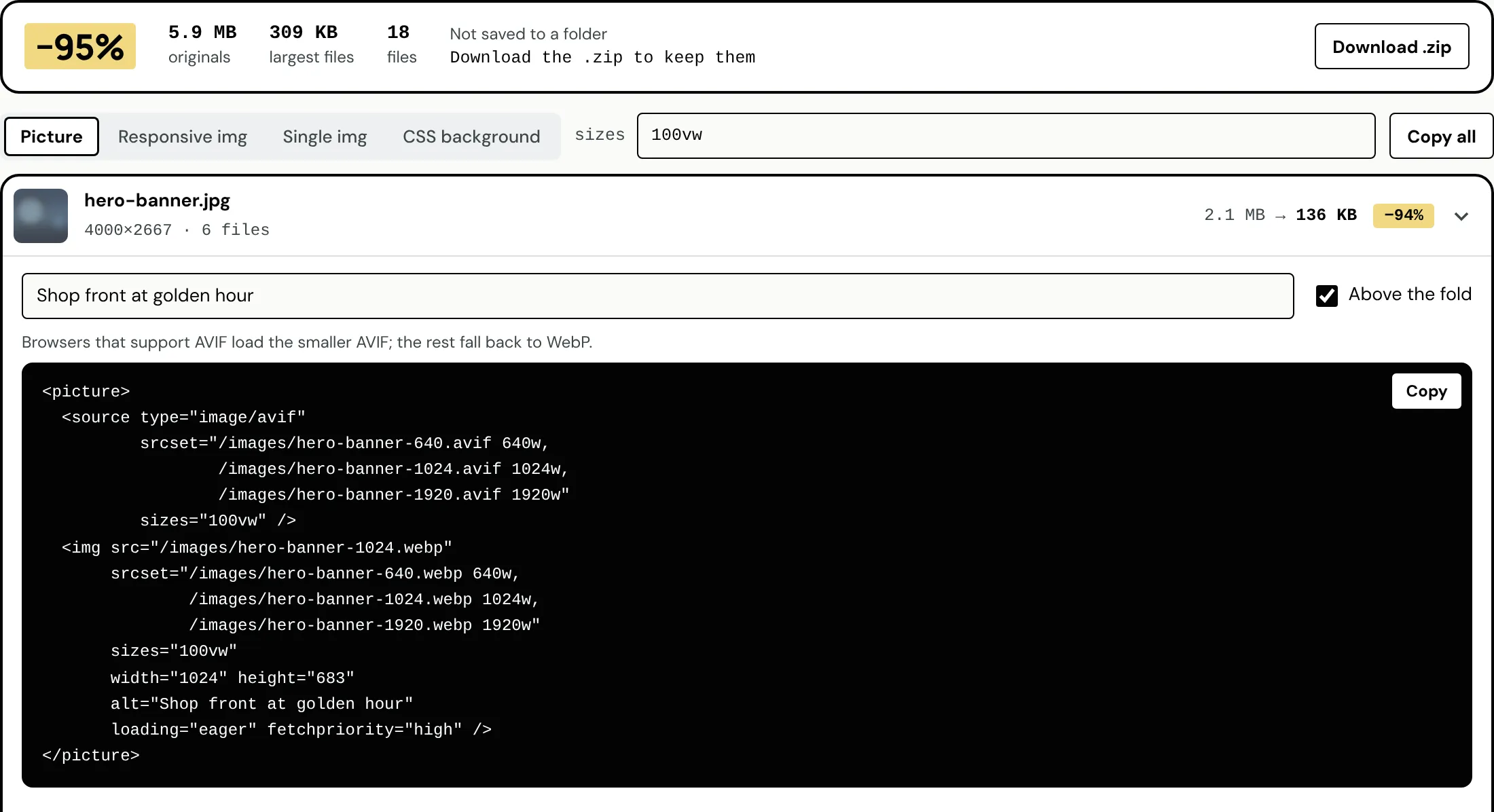
2.5 MB → 255 KB A 4000px photo, through ImageShip with the default settings. Same picture, 90% lighter.
Images and icons, done properly.
Nothing to learn. Here's what you get:
Right size for every screen
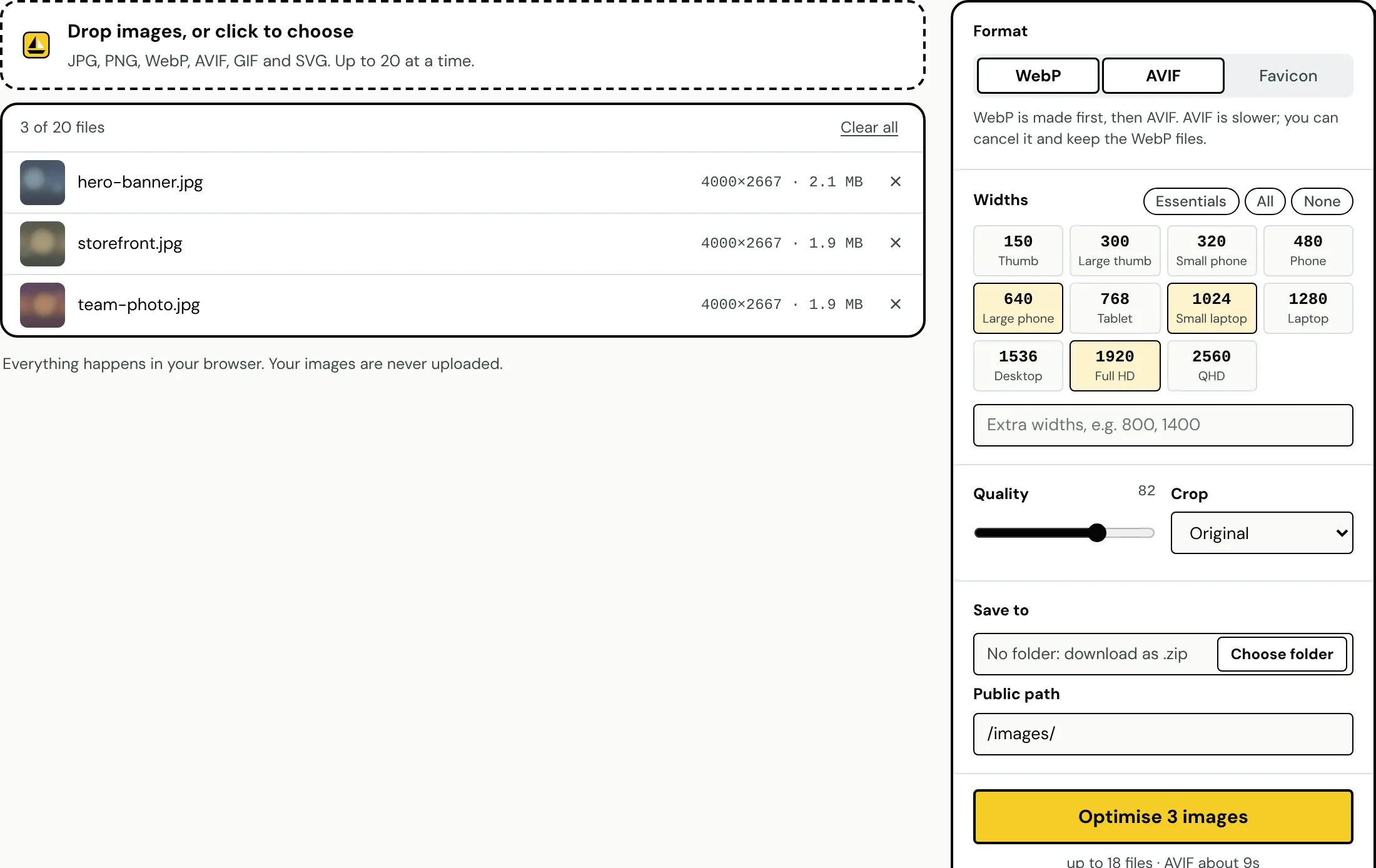
Phones download small files, big screens get sharp ones. Up to 11 widths in one go, never stretched bigger than the original.
Modern formats, automatically
WebP works in every current browser. Add AVIF for files that are often another 20–30% smaller.
Code you can paste
Picture, srcset, a single image or a CSS background. Width, height, alt text and lazy loading are already in it.
Favicons done properly
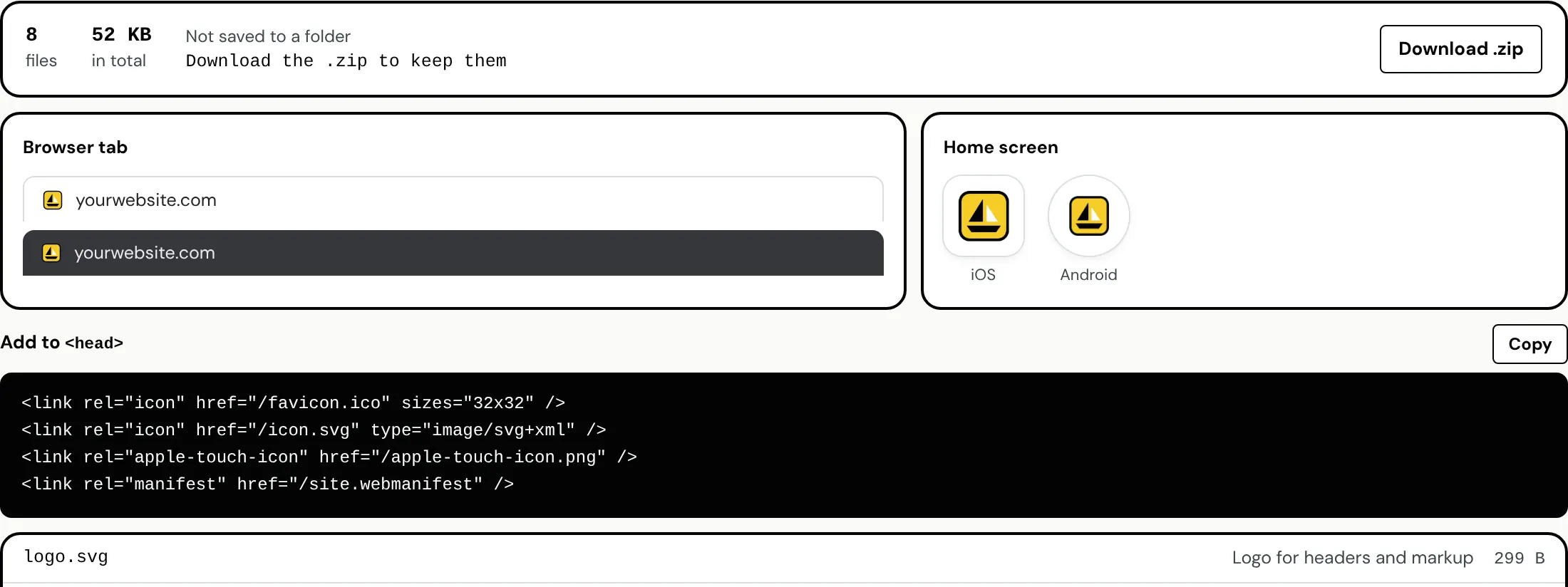
One logo in: favicon.ico, an icon.svg that switches for dark mode, Apple and Android icons, and the tags for your <head>.
Your files stay yours
Everything runs in your browser. Nothing is uploaded, so nothing can leak, and nothing waits on a server.
Straight into your project
In Chrome or Edge, pick your project's images folder and files land right where they belong. Anywhere else, grab a zip.
Three steps. About a minute.
Drop them in
Up to 20 images at a time: JPG, PNG, WebP, AVIF, GIF or SVG. Anything that isn't an image is turned away.
Pick what you need
WebP, AVIF or a favicon set. Choose the sizes, or just keep the defaults.
Save, paste, ship
Files go to your folder or a zip. Copy the code into your page and ship it.
Run a business?
You don't need to know what WebP is. Drop your photos in, hand the folder to whoever looks after your site (or paste the code yourself), and your pages get faster.
Build websites?
Stop hand-writing srcset. Point ImageShip at wwwroot/images or public/, tick your widths, copy the markup. Favicons included. Done before your coffee goes cold.
One logo in. Every icon out.
See exactly how your icon looks on light and dark browser tabs and on iPhone and Android home screens before you ship it.
Frequently asked questions
Can't find your answer here? Send me a message and I'll get back to you.
Is it really free?
Yes. No account, no trial, no watermark.
Are my images uploaded anywhere?
No. ImageShip runs entirely in your browser. Your files never leave your computer.
How many images can I do at once?
Up to 20 per batch, up to 40 MB each. Got more? Run another batch.
Will my images look worse?
Not noticeably. The default quality is set so files shrink a lot without visible loss, and you can change it.
What's AVIF, and do I need it?
A newer format that's often 20–30% smaller than WebP. It takes longer to make, so it's optional. WebP alone is a huge win.
Which browsers does it work in?
Any current browser. Chrome and Edge can save straight into a folder; Safari and Firefox give you a zip.
Fast pages win. Ship yours today.
It takes less time than reading this page did.
Try ImageShip now- Free, no sign-up
- Nothing uploaded
- WebP, AVIF and favicons